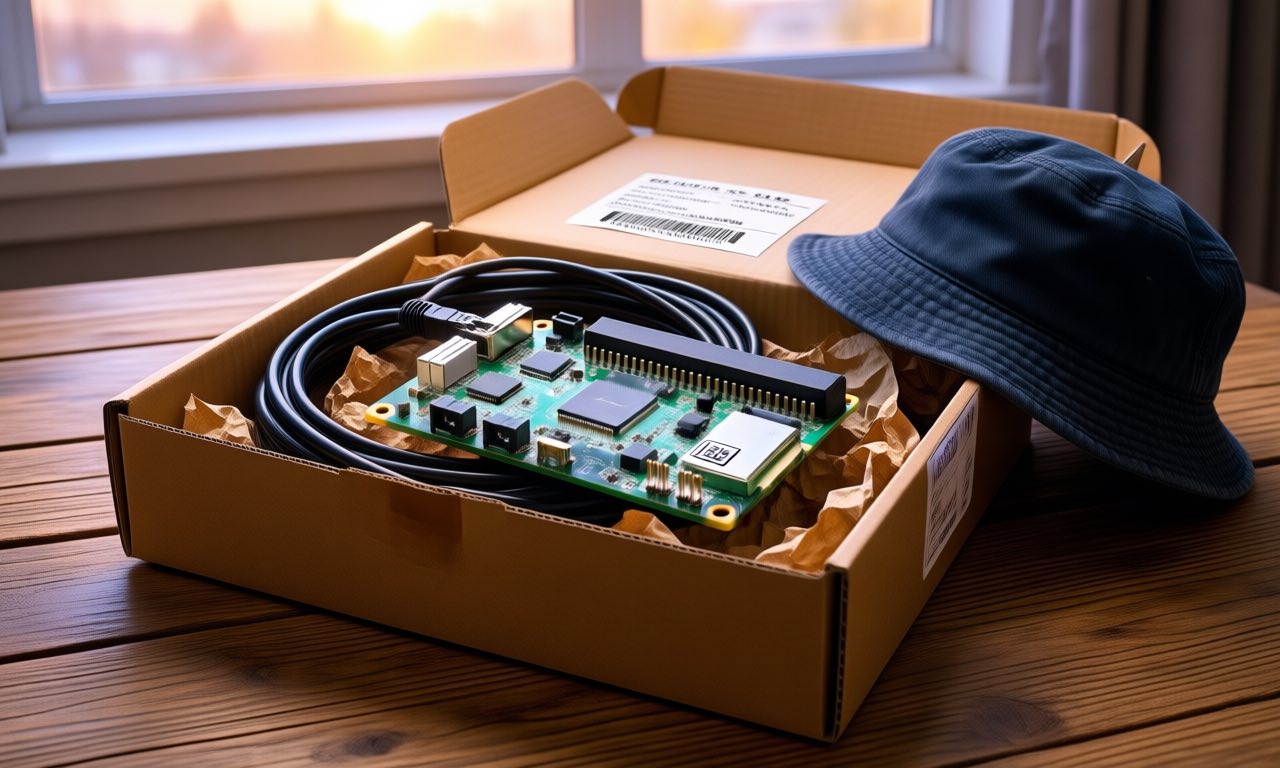
A post from HackerNoon touched 790,000 views this week with a project pitch that is equal parts practical software advice and guilt-trip: mail your parents a tiny computer — a Raspberry Pi, an Apple TV, or an Android TV box — pre-loaded with Tailscale, have them do nothing more complicated than plugging it into the router and the wall. From that moment, you can reach into their home network from anywhere in the world: troubleshoot their devices, back up their files, browse from their connection. No port forwarding, no asking them to install anything, no frantic phone calls about the wifi. The walkthrough is good, free, and mostly right — but read to the end and something more interesting emerges: that little always-on box is also a perfect home for an AI agent that checks in on the house itself.
🔍 THE BOTTOM LINE
The mailed home node works because it solves the one problem every remote-support family has: most homes have no always-on computer, and everything else in the house is locked down or asleep. A US$80 Raspberry Pi with Tailscale pre-installed becomes a permanent, authenticated tunnel into the LAN — an exit node that makes their wifi yours when you’re away, and a subnet router that reaches the printer, the NAS, the security camera without a licence per device. The proven build takes an afternoon. The upgrade that turns it from a tool you operate into infrastructure that cares for the house is one small step further: a lightweight AI agent on the box that runs health checks daily, watches for the patterns that precede failure, and writes a plain-language note home before things break. That is not speculation — the pieces are all shipped software.
The project, as it actually works
HackerNoon’s guide (written by Tailscale’s own marketing team, worth keeping in mind as disclosure rather than neutrality) lays out three hardware tiers. A small Linux box — Raspberry Pi 4B or 5, or a used thin client — is the flexible option: fully remote over SSH, upgradable, scriptable. An Apple TV is the easiest: Tailscale now runs as a native app with exit node and subnet router support, no SSH, updates applied when family next visit. Android TV sits between: some remote access via VNC, with an always-on VPN toggle keeping it alive across reboots. Which box to choose depends on taste for tinkering; the guide reports Apple TV nodes running flawlessly for months of unattended duty.
Setup is genuinely an afternoon. On the Pi route: flash the image with SSH enabled while the box is still on your own desk, install Tailscale, authorise it to your tailnet, enable it as an exit node, prepare subnet routing with IP forwarding on. Tailscale’s SSH means you never touch the router settings at the far end — no port forwarding, no firewall surgery, no dynamic-DNS incantations, which is precisely the set of chores that historically made “self-hosting for family” a non-starter. The Apple TV route is clicks in an app: install, authorise, select Run as Exit Node, advertise a route, and configure it as a Home Hub so it never sleeps.
The pre-flight test is the clever bit: plug the box into your own home network, turn your phone’s wifi off so it walks to cellular, connect through the Tailscale app, and confirm the exit node appears and a subnet device (the printer next to you, say) is reachable. If it works two metres from your desk, it will work two oceans away. Then: ethernet cable and a wall plug in the parcel, a flat rate box at the post shop, and instructions on the lid — port 1 on the router, not the fibre modem.
What it unlocks at the far end
Once the green dot appears in the admin console, the box pays for itself forever. Family tech support stops being a guessing game over the phone: you are on their network, seeing what their devices see. Your laptop at home can reach their files for off-site backups — the safest kind, because a house fire or a burglary can no longer take both copies. Their connection becomes your connection when you travel: selecting the box as exit node gives you a home IP for banking sites and streaming services that distrust foreign logins, with the notable side effect that the family’s shared streaming passwords start working from anywhere.
The guide’s most affecting examples are community-submitted. One Tailscale user caring for a mother with dementia built a home server with a Pi 5 and a multi-drive hat to run document management and cross-location backups — technical competence applied at distance, quietly, without displacing family who carry heavier loads. Another keeps relatives in a country that has blocked WhatsApp and other messaging connected through a family exit node: chats, video calls, and state-independent media, all flowing through an unremarkable small computer on a shelf. The pattern in both is the same: the tunnel is not the product. The steady, reliable presence it enables is.
None of this requires trusting a cloud family-monitoring product, a point of relevance given what those products do with data. The tunnel is end-to-end encrypted to a machine you own; the traffic is invisible to the ISP beyond its existence. Having a machine you control sitting on the family LAN — a permanent bridge back to household computing — is quietly valuable for anyone supporting family at distance.
Now add the AI that checks in
Here is where the project stops being a reprint and becomes the story HackerNoon’s guide gestures at without landing. That always-on box has a companion purpose waiting: run an AI agent on your own hardware at home, pointed at the far end through the tunnel, and let it do the rounds the way a good house-sitter would.
The ingredients are all current. A 230 million-parameter model now runs comfortably on a Raspberry Pi — or the agent lives on your own Mac and simply reaches through the tunnel nightly. The agent’s round looks like this: ping the exit node; check the far-end WAN is up; confirm their devices answered the network’s nightly hello; watch for the printer that has not been seen in a week or the camera that went dark; scan the disk-full warning on their ageing laptop; and write one plain-language message if something looks sick — “Mum’s computer has been slow to back up for three nights, the disk is 92% full” — instead of a raw log dump. Schedule it with cron, keep it dead simple, and the box becomes a caretaker, not a tool you must remember to use.
This is the same pattern Google is pushing to the mainstream with its free on-device meeting assistant: models are now small enough to live where the data lives, and the result is software that watches and reports without anyone’s family photos or financial documents transiting a stranger’s server. The sovereignty angle matters too — a household running its own local model on hardware it owns is no longer a hobbyist flex but a realistic weekend build. The box in the cupboard becomes a tiny member of the family’s infrastructure: always on, never seen, occasionally indispensable.
What the AI checks-in version adds over the plain network tunnel is judgment. Tailscale will tell you the dot went grey; an agent can tell you what that tends to mean for this house — that the router in Mum’s house reboots every week at 3am, that the camera drop coincided with a firmware update, that the backup has been silently failing since the last Windows update rather than starting last night. Small context, patiently accumulated, is exactly what a modern small model can hold and reason over.
❓ FAQ
Is this actually safe — giving my AI visibility into my parents’ network? The tunnel is encrypted end-to-end to hardware you control, and the agent’s checks are reads (is it up, how full is the disk, is the printer present), not writes. It sees what a family IT person would see during a visit, minus the cup of tea. Nothing transits a third-party cloud unless you choose a cloud model — keep the agent on your own hardware and the data stays in the family.
What does the whole build cost? About NZ$140 for the hardware route (US$80 Raspberry Pi 5, plus case, power, ethernet cable, postage) or zero if you mail a spare Apple TV you already own. Tailscale’s personal tier is free for up to three users and 100 devices, which covers a family comfortably.
Do my parents need to do anything technical? Plug the box into a numbered port on their router and into the wall. That is the entire ask. The Apple TV needs one extra visit-with-a-TV occasion for updates; the Linux box can be updated remotely.
Can I build the AI check-in without being a developer? You need to be comfortable with a terminal for the initial setup, yes — this is a step beyond the software-only Tailscale guide. But the pieces are documented: Raspberry Pi Imager for the flash, Tailscale’s install scripts for the network, any of the open-source agent frameworks for the checks, and cron for the schedule. The HackerNoon walkthrough plus Tailscale’s own YouTube guides cover the network half end to end.
Is mailing an Apple TV overseas legal? Yes, with a caveat: Apple TV’s Tailscale app works per country — check the TV box you send is not region-locked to services your family can’t reach, and keep in mind power plug shapes. The Raspberry Pi route has no such restrictions.
🔍 THE BOTTOM LINE
The mailed node is a good project with a decade of road behind it — remote support, escape-hatch VPN, off-site backup in a box that costs less than a family dinner out. The reason to write about it now is not that the tunnel is new. It is that the always-on home computer has just become interesting to a whole new generation of software: models that fit in its memory, agents that can keep watch and check in, and the arrival of genuinely useful assistants at the edge of the network — where the data already is. The box by the router used to be a favour you did for yourself. Increasingly, it can be a favour the house does for everyone in it. The build is one weekend, the checks run forever, and the first message you get that says “I looked at Mum’s computer for you” is worth the afternoon the project takes.
📰 Sources
- X (HackerNoon post, 603 likes / 791K views)
- HackerNoon — Why you should mail your parents a Tailscale node (Tailscale-authored, 7 Oct 2026)
- Tailscale documentation (exit nodes, subnet routers, Tailscale SSH, Apple TV setup)
- Reddit r/Tailscale (caregiving and censored-country community reports)
- GitHub (Tailscale on Raspberry Pi guide by johnnyfivepi; Uptime Kuma)