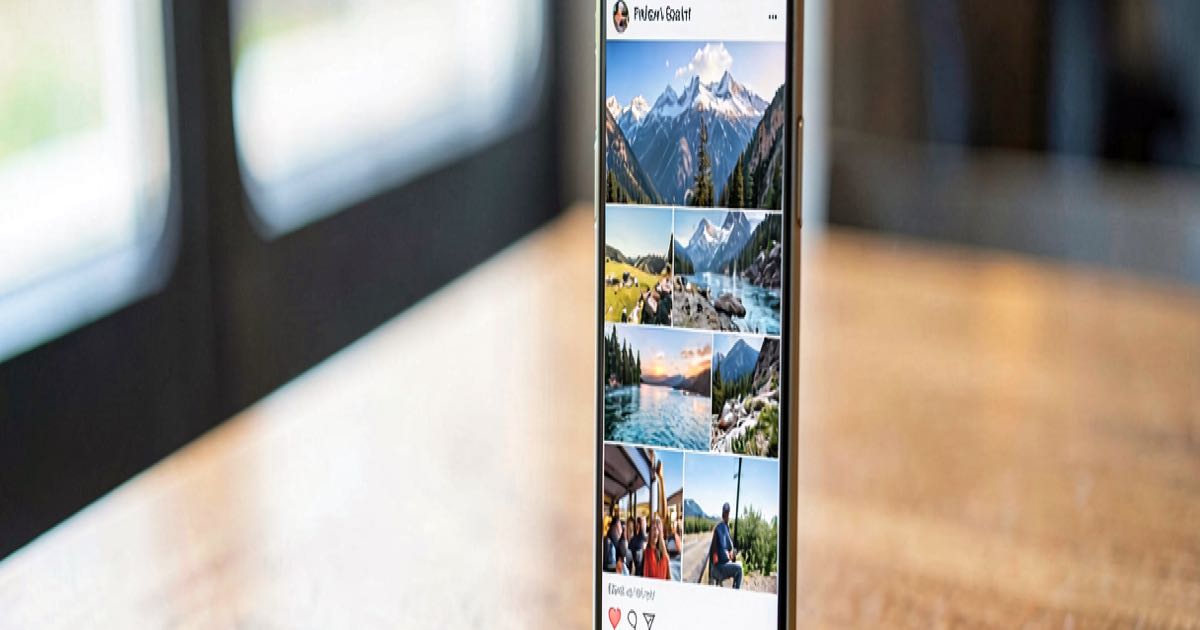
You post a photo from a short break in Porto. A slice of the Douro river in the background, nothing obviously identifiable. A few days later, you get a text: “We detected unusual activity while you were travelling in Porto — please verify immediately.” You click the link. You enter your bank details. The money goes.
The text was a fraud. The criminals behind it worked out where you had been — not from anything you wrote, not from geotags or metadata, but by running your photo through an AI model that identifies locations from visual cues alone. Architecture, signage, street markings, the angle of the light. A river with some trees in the foreground was enough for one model to correctly identify Hastings-on-Hudson, New York. A picture of flowers was pinned to the Keukenhof gardens in the Netherlands because of the tulip layout.
🔍 THE BOTTOM LINE
The gap between what you think you are sharing and what AI can extract from it has closed. A photo you would not think twice about posting is enough for a freely available model to determine your location with 91 per cent accuracy — and for a scammer to turn that into a message that sounds like it came from your bank.
21,000 Images, Two Models, One Uncomfortable Finding
McAfee, the antivirus company, tested more than 21,000 travel images using two AI models that anyone can access. One identified the correct location 91 per cent of the time. The other managed 87 per cent. Staff were then asked to try it with their own holiday photos and reportedly became uncomfortable with how easily their travels were pinpointed.
The models do not need geotags, EXIF data, or any text caption. They read the image itself — the background, the architecture, the signage, the quality of the light. A food stall or a storefront is often enough. A beach or a hotel room is harder, but the country alone is usually identifiable, which is all a scammer needs.
“What AI does is give context … so that makes the scam [and] makes the threats credible,” Vonny Gamot, head of EMEA at McAfee, told the Guardian.
Why This Scam Works
The technique supercharges a familiar pattern. Phishing texts and emails have always relied on making the recipient believe the message is legitimate. The harder the detail, the more convincing the hook. A text that says “unusual activity on your card” is easy to ignore. A text that says “unusual activity while you were travelling in Porto” — when you have not told anyone on social media where you are — is not.
The scammer does not need to know your name, your bank, or your card number. They need one thing: a location, extracted from a photo you posted publicly, cross-referenced with a target who is demonstrably away from home. The rest is a link and a fake login page.
This is not a hypothetical. McAfee’s research confirms the models are already freely available. The barrier to entry is a web browser and a photo URL.
What This Adds to the Scam Landscape
We have already covered the surge in AI voice-clone scam calls — fraudsters cloning a family member’s voice from a few seconds of audio. Geolocation adds a second layer: not just sounding like someone you trust, but knowing where you are. A scammer who can clone a voice and pinpoint a location has two of the three ingredients for a highly targeted impersonation attack.
The third ingredient — your contact details — is often available from the same social media profile where you posted the photo. The privacy implications of AI analysing public data are not theoretical. For New Zealand professionals and small business owners who travel and post on public accounts, the risk is direct.
What Actually Helps
The advice from McAfee and cybersecurity professionals is simple, if not entirely satisfying for people who enjoy sharing their travels:
- Delay posting until you are home. The window for a location-based scam closes when you are back.
- Change privacy settings so only people you know can see your photos. Public accounts are the target.
- Treat urgency as a red flag. Any message demanding immediate action — “verify now,” “confirm immediately” — is following the phishing playbook.
- Do not click links in texts. Contact your bank through the number on the back of your card or through their official website.
None of this is new. What is new is that the “how did they know I was in Porto?” question now has an answer, and it is a free AI model.
❓ FAQ
Can AI really tell where a photo was taken without any location data? Yes. McAfee’s testing showed 91 per cent accuracy with one freely available model and 87 per cent with another, using only visual information — no geotags, no EXIF data, no captions.
What kind of photos are most vulnerable? Photos with recognisable landmarks, architecture, signage, street markings, food stalls, or storefronts. Beach and hotel room shots are harder to pinpoint, but the country is often still identifiable.
Is this happening in New Zealand? McAfee’s research was not NZ-specific, but the technique works anywhere photos are posted publicly. NZ’s Privacy Act governs how organisations handle personal data, but it does not prevent a scammer overseas from analysing a public Instagram photo.
What is the most effective thing I can do? Stop posting holiday photos publicly while you are still away. Post them when you get home. The scam depends on knowing your location in real time.