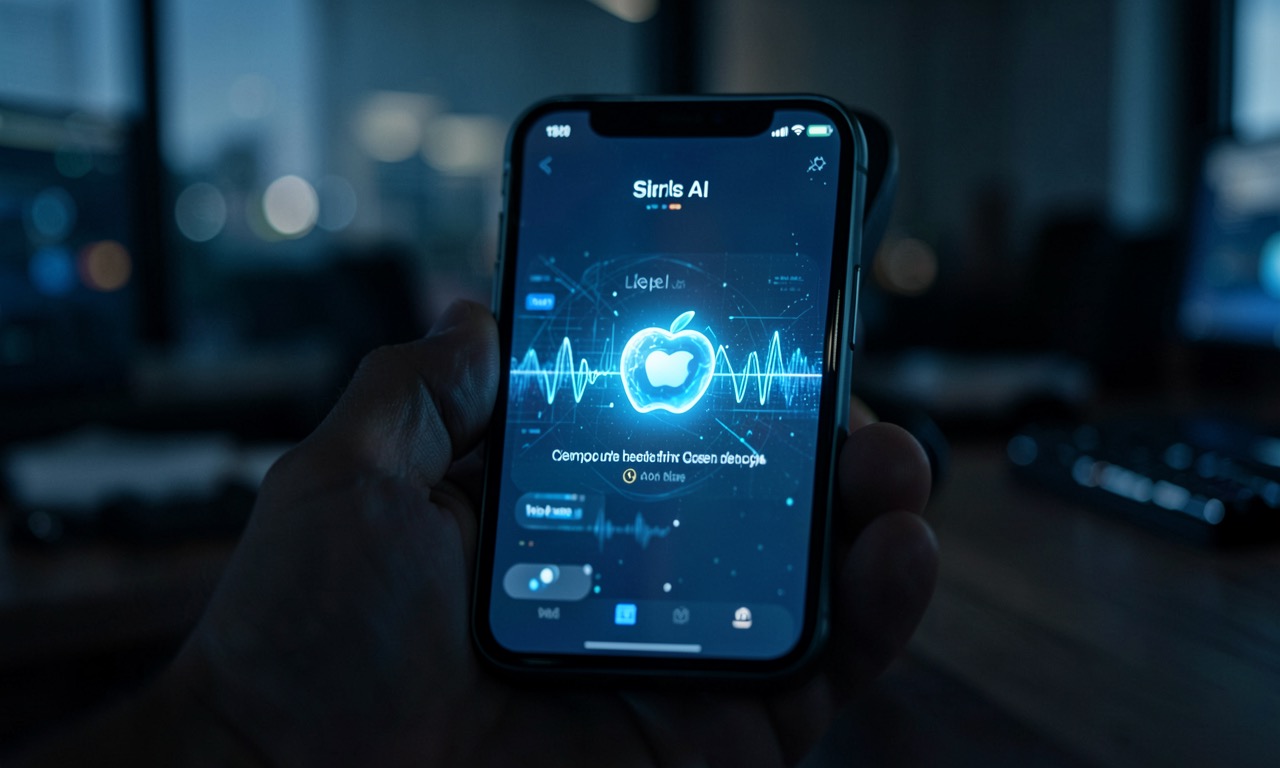
Apple’s iOS 27 is shipping AI where you’d never look for it: inside the bill splitter, the password manager, the Messages app, Safari tabs, and the Shortcuts editor. TechCrunch reports that Apple’s strategy isn’t about building a better chatbot — it’s about making AI so embedded in the operating system that you forget it exists. That’s the point.
🔍 THE BOTTOM LINE
While OpenAI, Google, and Anthropic fight over who has the most powerful chatbot, Apple is quietly embedding AI into the mundane tasks people actually do: splitting restaurant bills, updating compromised passwords, organizing Safari tabs. No chat window. No prompt engineering. No “ask the AI.” The intelligence is ambient — it surfaces when needed, disappears when not, and runs on-device. It’s the anti-ChatGPT strategy, and it might be the one that wins mainstream consumers.
The Anti-Chatbot Strategy
The headline from Apple’s WWDC 2026 keynote was the Siri AI overhaul — a conversational assistant that finally understands context. But the real story, as TechCrunch’s Sarah Perez details, is the series of smaller AI features woven across iOS 27 that don’t require you to talk to Siri at all.
The philosophy: rather than asking consumers to adopt a new AI-powered interface, weave AI into the apps and services they already use. The result is software that feels smarter without requiring anyone to learn a new tool. It’s the same approach that made the original iPhone succeed — the technology was invisible, the experience was everything.
Eight Features That Matter
The standout iOS 27 AI features, per TechCrunch:
- Bill splitting via Apple Cash. Take a photo of a receipt, Apple Intelligence extracts items, quantities, and tip. Share a request to a group chat. Everyone selects what they ordered. Double-click to pay. Tax and tip split automatically.
- Agentic password updates. The Passwords app now uses AI to identify weak or compromised credentials — and then navigates websites itself to sign in and upgrade your passwords. Not a notification. An agent that does the work.
- Messages one-tap suggestions. A friend asks you to bring something? Apple Intelligence suggests adding it to Reminders. Someone asks for event photos? It suggests the right photos from your library. Planning a dinner? It offers to add it to Calendar.
- Call Context. Calling your airline about a reservation? The call screen surfaces your confirmation code, pulled from Mail — on-device, no assistant conversation needed.
- Natural language Calendar events. Describe an event in plain English; Apple Intelligence extracts contacts, locations, and creates a titled event.
- Vibe-coding Shortcuts. Instead of scripting automations, describe what you want: “Text my partner my ETA when I leave work.” Apple Intelligence builds the Shortcut.
- Smart Home notifications. Instead of four notifications for one person arriving (garage door, mail check, front door, lights), the Home app consolidates into one: “Someone arrived home.”
- Safari tab organization. AI groups your open tabs by topic — travel research, shopping, work — into tab groups at the top of the browser.
The Privacy Play
Every one of these features runs on-device. No cloud roundtrip. No data leaving your phone. Apple’s privacy-first approach to AI — already established with Apple Intelligence — is the structural differentiator. Google and OpenAI need your data to improve their models. Apple doesn’t need your data because the intelligence is local, running on the Neural Engine.
This matters because the features that actually change daily behavior — bill splitting with your financial data, password updates with your credentials, Messages with your private conversations — are precisely the data you’d never want to send to a cloud AI. Apple’s ambient AI works because it’s private. The privacy isn’t a constraint. It’s the enabler.
NZ Angle
Apple launches iOS simultaneously in New Zealand. When iOS 27 ships this fall, Kiwi users get every feature on day one — bill splitting, password updates, the lot. The one wrinkle: Apple Cash, the bill-splitting backbone, requires Apple Pay integration with NZ banks. NZ banks have been notably slow on Apple Pay adoption (ANZ held out for years). If Apple Cash isn’t supported at launch, the feature degrades to a manual settlement — less elegant but still useful. The other features (Messages, Calendar, Shortcuts, Safari, Home) have no such dependency.
❓ FAQ
Do these features require the latest iPhone? Apple Intelligence already requires an iPhone 15 Pro or later (A17 Pro chip or newer). iOS 27’s ambient AI features will likely follow the same floor. The on-device processing requires the Neural Engine capacity that older phones lack.
Is “agentic password updating” actually safe? Apple says the feature “securely navigates websites” to upgrade passwords. The agent operates locally and doesn’t transmit credentials to Apple’s servers. The risk is the same as any automated browser interaction — if the website changes its login flow, the agent could fail gracefully. It’s not autonomous web browsing; it’s a constrained password-upgrade flow.
How is this different from what Google does? Google’s AI is cloud-first — Gemini lives in Google’s data centers, learns from your data, and surfaces through conversational interfaces. Apple’s AI is device-first — it runs on your phone’s Neural Engine, doesn’t learn from your data in aggregate, and surfaces through the apps you already use. Google optimizes for intelligence; Apple optimizes for integration.
When does iOS 27 actually ship? Developer beta is live now. Public beta arrives soon. General release is expected fall 2026, typically September alongside the new iPhone lineup.
🔍 THE BOTTOM LINE
iOS 27 represents a maturation of consumer AI. The industry is moving past the “talk to a chatbot” phase into something more useful: intelligence that works without being asked. Apple’s bet is that the AI people want isn’t a conversation — it’s a phone that quietly handles the boring stuff. For a market saturated with chatbot fatigue, that bet looks increasingly smart.