Google has open-sourced the DESIGN.md specification from its AI design tool Stitch — and the developer community has responded with 5.6 million views, 16,000 likes, and 24,500 bookmarks in 48 hours.
🔍 THE BOTTOM LINE: AI coding agents have a design problem. They guess at colours, spacing, and typography because they don’t know your design system. DESIGN.md gives them a structured, machine-readable file that defines exactly what your brand looks like — and now anyone can use it.
🎨 What DESIGN.md Does
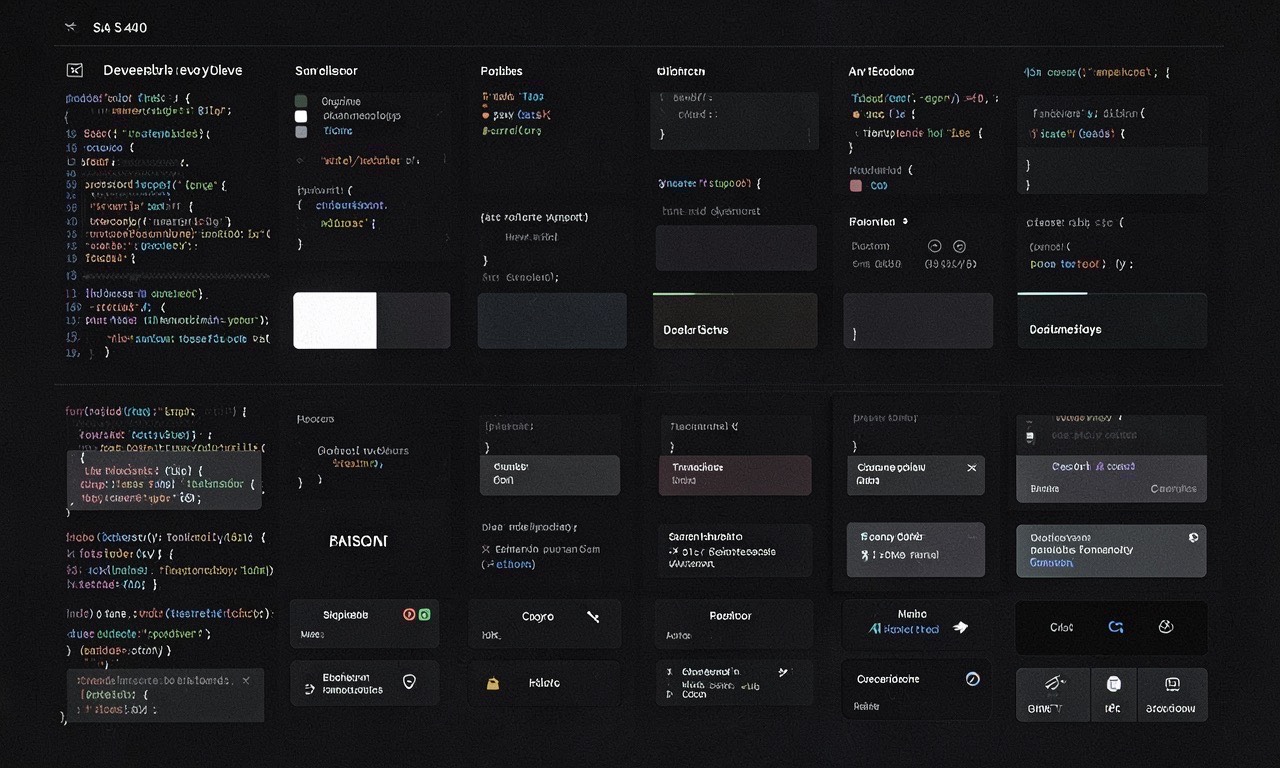
DESIGN.md is a Markdown file that describes your entire visual identity in a format AI agents can read and follow. It covers:
- Colours — Brand primary, secondary, accent, neutral palette, with WCAG accessibility contrast ratios built in
- Typography — Font families, sizes, weights, line heights, and how they combine
- Spacing — Consistent margin and padding scales
- Components — Buttons, cards, inputs, navigation patterns with exact specifications
- Motion — Animation timing, easing curves, duration standards
- Icons — Icon set, sizing, colour rules
Instead of an AI agent guessing that “primary blue” means #3B82F6 (Tailwind’s default) or #1A73E8 (Google’s), DESIGN.md tells it exactly what blue your brand uses and where to use it.
The spec also includes validation rules — agents can check their output against WCAG accessibility standards automatically.
🔧 Why This Matters for Developers
If you’ve used any AI coding tool to generate UI, you know the problem: the output looks generic. Every button is the wrong shade. Every spacing decision is a guess. Every generated page looks like it came from a different design system.
DESIGN.md fixes this by giving the agent persistent context. Instead of inferring design intent from a vague prompt like “use our brand colours,” the agent reads a structured file that says exactly what colour 3 is for, what size a heading should be, and whether that combination passes accessibility requirements.
Before DESIGN.md:
“Build a landing page using our brand colours” → Agent guesses → Generic output
After DESIGN.md:
“Build a landing page using DESIGN.md” → Agent reads your spec → Brand-consistent output
🇳🇿 Why This Matters for NZ
NZ agencies and startups building with AI can now:
- Export their design system once and reuse it across every AI tool and project
- Enforce brand consistency without manual review of every AI-generated component
- Validate accessibility automatically — critical for government and public-sector work under the NZ Web Standards
- Share design rules between team members, tools, and platforms
For a small team without a dedicated design ops function, DESIGN.md is a design system in a file. For larger organisations, it’s a machine-readable single source of truth.
📦 Getting Started
The spec is on GitHub: google-labs-code/design.md
5,500+ stars and 445 forks in the first 48 hours.
# Install the Stitch skill for Claude Code
# Or use DESIGN.md standalone with any AI agent
DESIGN.md works with any AI coding agent — it’s not locked to Stitch or Google tools. The spec is Apache 2.0 licensed.
⚠️ Limitations
- DESIGN.md is a draft spec — Google is soliciting community input before finalising
- It describes intent, not enforcement — An AI agent can read your rules and still generate something that doesn’t match. Validation helps but isn’t guaranteed.
- Tool support varies — Works best with Stitch and Claude Code. Other agents may need custom integration.
- Design systems change — You need to keep DESIGN.md in sync with your actual design system. Stale specs are worse than no specs.