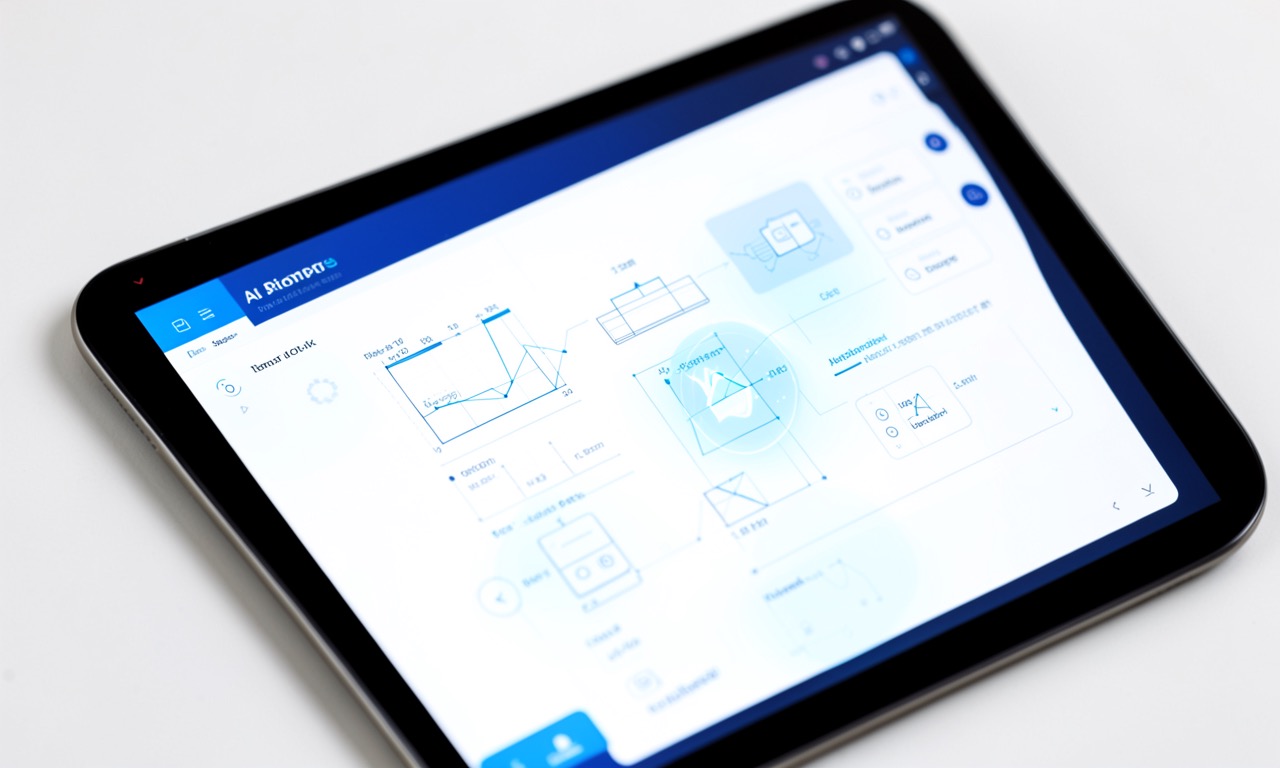
Figma has joined the AI design assistant race, launching an AI agent that can generate and edit product designs within Figma Design, automate repetitive tasks, and help designers move from concept to prototype faster.
The agent, announced on Figma’s blog, is initially available in Figma Design and can “automate busywork” — generating UI components, editing layouts, and iterating on design projects based on natural language prompts.
This puts Figma in direct competition with Canva’s AI assistant (launched earlier this year) and Adobe’s growing suite of Firefly AI tools and PDF agents.
🔍 THE BOTTOM LINE
Figma’s AI agent marks the moment when the design tool becomes the designer. For product teams, this means faster iteration but also a fundamental shift in what “design skill” actually means.
What the Figma agent does
From the announcement, the agent focuses on three areas:
- Generation: Creating UI components and layouts from text descriptions
- Editing: Modifying existing designs based on natural language instructions
- Automation: Handling repetitive tasks like resizing, aligning, and exporting assets
The key differentiator from Canva and Adobe is that Figma is specifically targeting product design workflows — think app screens, web layouts, and design systems — not just social media graphics or marketing materials.
The bigger picture
Figma’s agent arrives at a moment when every major creative tool is becoming AI-native:
- Canva launched prompt-based editing across its entire platform
- Adobe has Firefly integrated into Photoshop, Illustrator, and now a dedicated AI assistant
- Figma is now bringing agents to product design specifically
The trend is clear: the next generation of design tools won’t just let you create — they’ll create for you, with you as the editor and director rather than the hands-on maker.
For junior designers, this is both opportunity and threat. The tools lower the barrier to entry dramatically. But they also compress the skill ladder — if an AI can generate 80% of a UI from a prompt, what’s the remaining 20% of value that a human designer provides? That’s the question every product design student should be asking right now.
🗣️ Editorial Voice
The interesting thing about Figma’s agent versus Canva’s is the type of designer they’re targeting. Canva’s user is someone who needs a presentation or social graphic and doesn’t want to learn design software. Figma’s user is already a professional designer who wants to move faster. The agent doesn’t replace them — it augments them.
For now. The line between augmentation and replacement gets blurrier with every release.
❓ Frequently Asked Questions
Q: Is the Figma agent available now? It’s rolling out in Figma Design. The announcement says “initially available” with broader access to follow.
Q: Does this replace designers? Not immediately. It automates repetitive work and generates starting points. The human designer still makes decisions about quality, consistency, and user experience. But the role is clearly changing.
Q: How does this compare to Adobe’s AI tools? Adobe’s Firefly is more broadly integrated across creative disciplines (photo, video, 3D). Figma’s agent is specialised for product design — it’s narrower but potentially deeper for that use case.
🔍 THE BOTTOM LINE
Every major design tool is now AI-native. Figma’s agent is the latest and arguably the most specifically useful for product designers. The question isn’t whether to use it — it’s what designers do with the time the agent frees up.
SOURCES
- The Verge — Figma has a product design AI agent
- Figma Blog — The Figma Agent is here